Using relightlab you can process an image set to obtain a normal map – but also a 3d model (.ply).
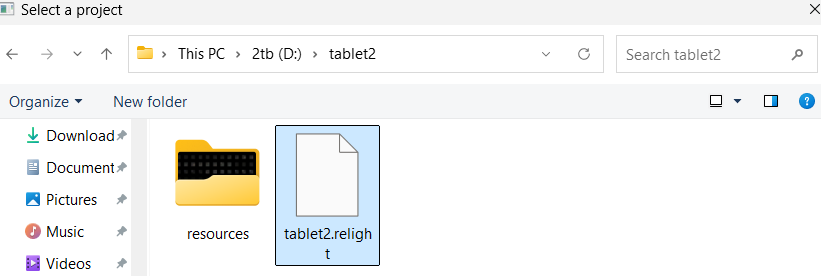
Start by opening a .relight file for an object
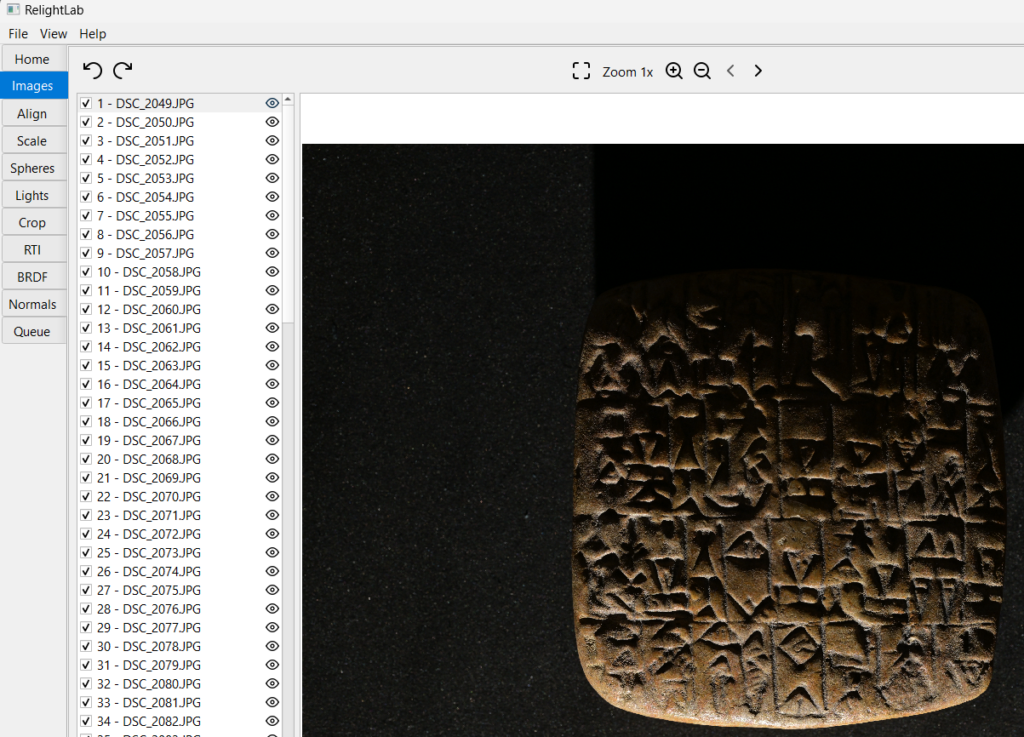
You will then see the Images view. I then set a Crop using the Crop view. Then open the Normals view:
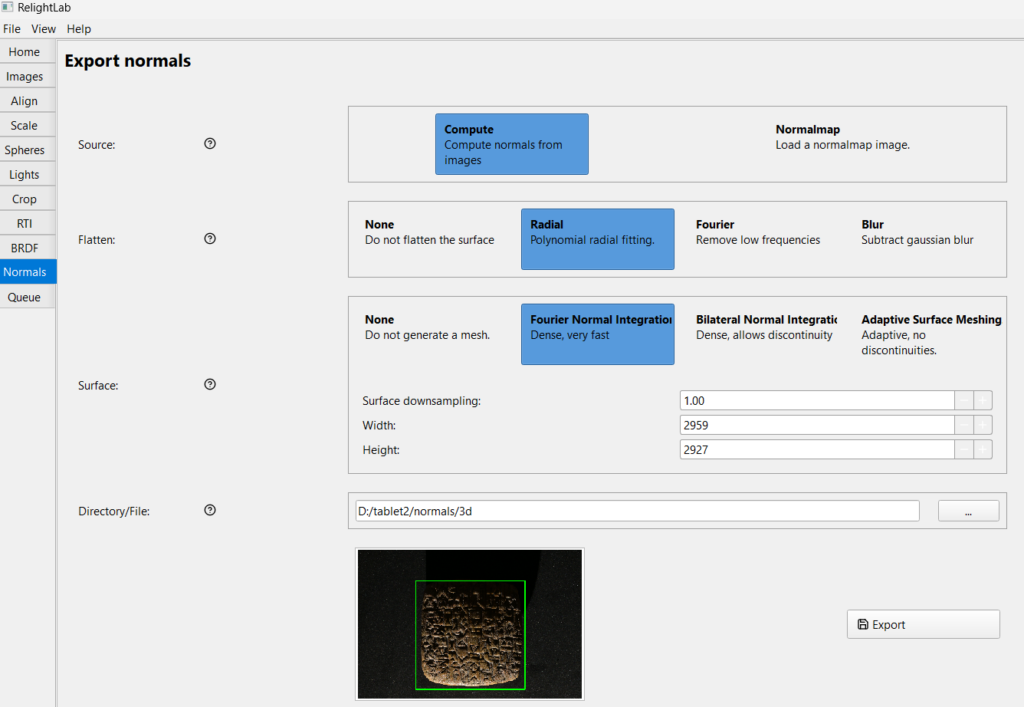
I chose Compute/Radial/Fourier then selected a folder for the output. (be aware thet Adaptive Surface Meshing can take hours). Click on Export and wait a few minutes and you will have a file with extension .ply in the output folder. To view it open this web page: https://sandbox.babylonjs.com/?from=3dviewer and drag your .ply file into it (or use its bottom-right icon to load the file.
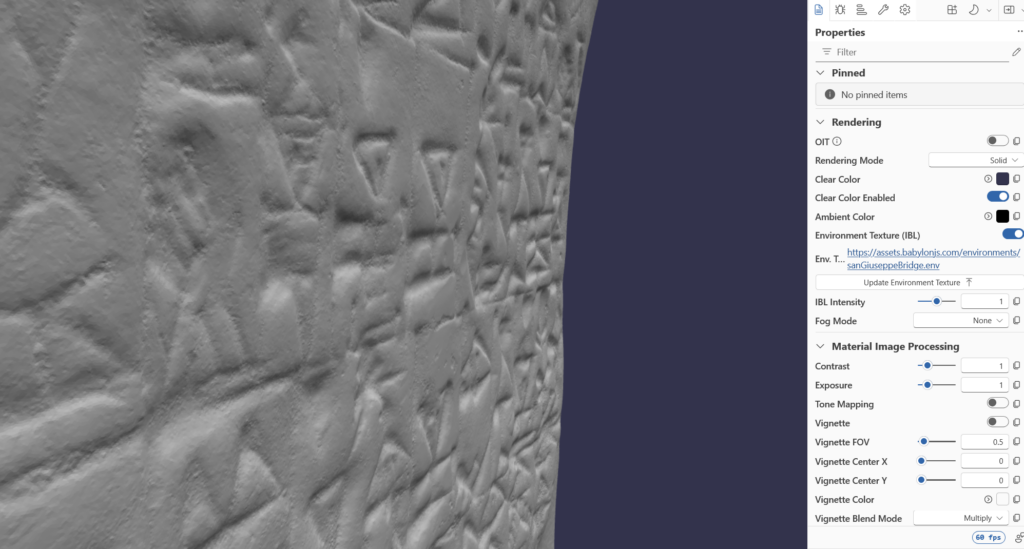
You can now see your 3D model.